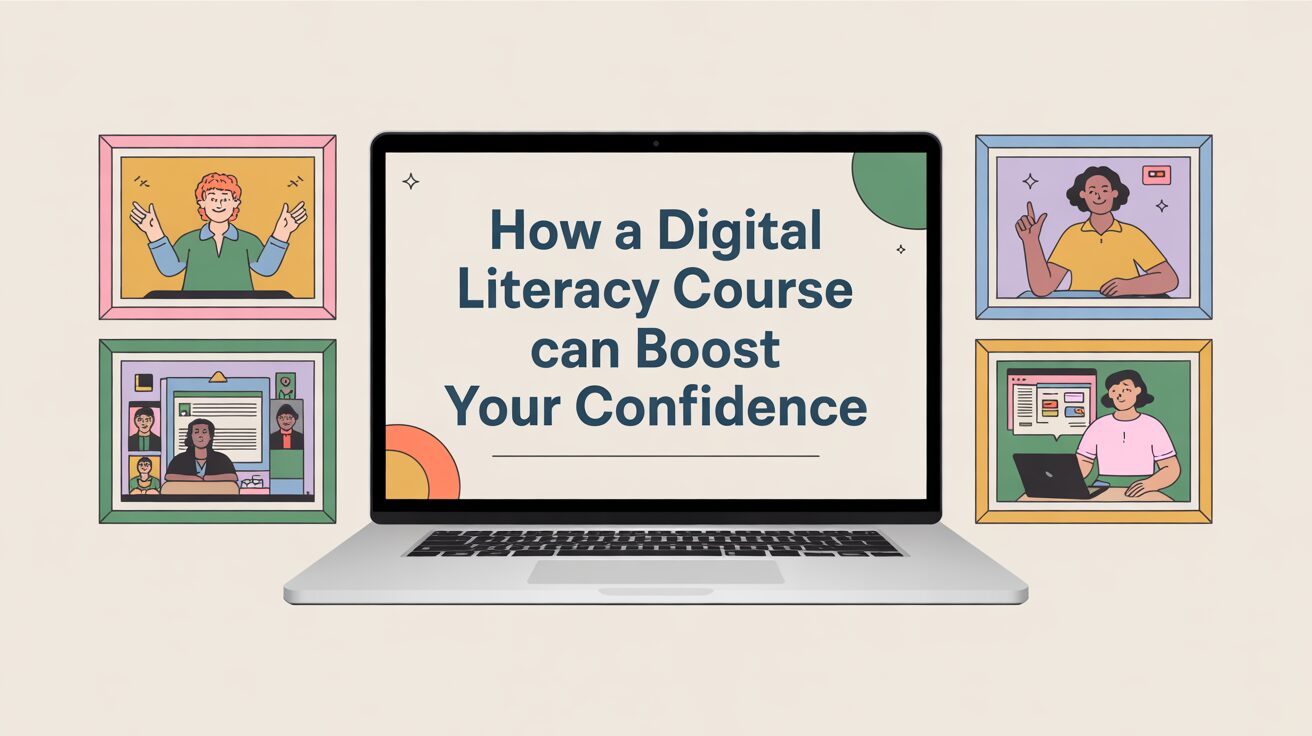
In a world where digital devices are woven into nearly every aspect of life, feeling confident with technology isn’t just a bonus—it’s a necessity. For many adults new to technology, the idea of using computers, smartphones, or the internet can feel overwhelming. But there’s hope: enrolling in a digital literacy course can dramatically change that. These courses are thoughtfully designed to help learners navigate the digital landscape with clarity and ease, building skills that transform fear into empowerment. Whether you’re aiming to master the basics or earn a computer literacy certificate, this journey is accessible, practical, and incredibly rewarding.
Key Takeaways
- A digital literacy course is tailored to help beginners gain hands-on, practical technology skills.
- Building confidence in digital tools reduces anxiety in everyday tasks like emailing and browsing.
- Computer literacy certificates provide tangible proof of skills for job markets or personal validation.
- These courses cover essential digital skills such as internet safety, document creation, and communication.
- Real-life case studies show significant improvements in learners’ attitudes and capabilities after course completion.
- Continued practice and supportive learning environments are key to lasting confidence.
Table of Contents
Understanding Digital Literacy: What It Really Means
Digital literacy goes far beyond simply knowing how to turn on a computer. At its core, it means having the ability to confidently and safely use digital technologies to accomplish practical tasks—whether for work, communication, or personal management. A digital literacy course is designed specifically to build this comprehensive skill set, particularly targeting adults who may have limited or no prior experience with technology.
Often, people confuse digital literacy with basic computer skills, assuming the latter is all that’s needed. But digital literacy is multidimensional. It involves understanding how to interact with different devices (computers, tablets, smartphones), navigating online environments like websites and social media, protecting oneself from scams or privacy breaches, and even evaluating the credibility of online information.
For instance, during a community digital literacy class in Denver, an instructor observed many adult learners struggling not just with clicking or typing, but with recognizing phishing emails—messages designed to trick users into revealing personal information. By teaching learners how to identify these risks, the course didn’t just improve their tech use but safeguarded their online security, building invaluable confidence.
This comprehensive approach ensures that learners do not just acquire isolated skills but develop a holistic understanding of the digital world—critical for today’s interconnected environment. Being digitally literate means knowing how to adapt as technology evolves, making courses like these a crucial foundation for lifelong learning.
The Confidence Gap: Why Adults Feel Overwhelmed by Technology
Many adults face what experts call the “confidence gap” when it comes to technology. This gap arises from feelings of inadequacy or fear stemming from a lack of experience, fast-changing technology, and unfamiliar terminology. These feelings aren’t just simple nervousness; they can significantly hinder learning and adoption of essential digital skills.
Research by the National Digital Inclusion Alliance reveals that nearly one-third of adults in the U.S. report feeling “overwhelmed” by digital technology. These emotions often lead to avoidance behaviors, where individuals might delay learning or refuse to engage with even basic digital tools. For example, one participant in a New York digital literacy class admitted to ignoring important emails because they felt intimidated opening their inbox.
The emotional impact of this anxiety can be profound. Beyond missing out on conveniences like online banking or telehealth, adults may feel socially isolated or professionally disadvantaged. Technology, which is meant to connect and assist, can become a source of stress and exclusion.
The good news is that this confidence gap is entirely bridgeable. When learners participate in a digital literacy course, they often describe an awakening moment—realizing technology isn’t a barrier but a tool they can master. One retired teacher shared how learning to use video calling apps reconnected her with distant family, boosting her confidence and happiness.
Understanding these psychological hurdles allows course designers and instructors to create supportive environments that encourage questions, celebrate small wins, and gradually build learners’ self-belief alongside their skills. This emotional support is just as crucial as technical instruction in fostering confidence.
How a Digital Literacy Course Builds Practical Skills Step-by-Step
The transformative power of a digital literacy class lies in its structured, step-by-step approach to building skills. Unlike trying to learn on your own, these courses are designed with beginners in mind, gradually introducing concepts and reinforcing them with practical exercises.
Typically, a course begins with the basics: getting comfortable with hardware like keyboards and mice, learning to turn devices on and off, and understanding fundamental terminology. As learners progress, the curriculum expands to include internet browsing, setting up and using email, creating documents, and exploring digital safety practices.
What makes this process effective is the focus on hands-on learning. Instead of passive lectures, students actively practice tasks like sending emails, saving files, or conducting web searches. This immediate application cements knowledge and reduces anxiety.
The following table outlines a typical digital literacy course syllabus, showing how skills build logically over time:
| Module | Topics Covered | Skills Developed |
| Introduction to Devices | Operating hardware basics | Comfort using computer peripherals |
| Internet Basics | Browsers, search engines, navigation | Finding and evaluating online information |
| Communication Tools | Email setup, messaging, video calls | Confident digital communication |
| Productivity Software | Word processing, spreadsheets | Creating, editing, and organizing documents |
| Online Safety | Passwords, phishing, secure browsing | Protecting personal data and devices |
Courses also tend to use relatable examples and real-life scenarios. For instance, learners might practice creating a resume in a word processor or sending a message to a friend, which makes lessons immediately relevant and rewarding.
One community center in Seattle saw a 75% completion rate among older adults enrolled in a digital literacy class, with many reporting a newfound independence in handling online tasks after just eight weeks.
Earning a Computer Literacy Certificate: What It Means and Why It Helps
One of the most motivating aspects of completing a digital literacy course is earning a computer literacy certificate. This certificate is a formal acknowledgment that you have mastered essential digital skills and are ready to confidently use technology in everyday life.
But why does this matter? Beyond personal pride, a certificate serves as a credible document that you can present to employers, educational institutions, or training programs. In many job markets, having documented digital skills can significantly improve your chances of employment or promotion.
Consider James, a 47-year-old who attended a government-funded digital literacy program. After earning his certificate, he successfully applied for a job in customer service where basic computer skills were required. The certificate boosted his confidence during the interview and reassured the employer about his capabilities.
Certificates also mark milestones in lifelong learning. They signal to both learners and others that technology mastery is an achievable goal, not a distant dream. Earning such recognition encourages many adults to pursue further digital education, continually expanding their skill sets.
The value of certification is recognized globally. Organizations like the International Computer Driving License (ICDL) offer standardized certificates that are widely accepted, enhancing the trustworthiness of the credential.
Tools and Technology You’ll Master in a Digital Literacy Class
Digital literacy courses introduce learners to a wide range of tools essential for modern life. Understanding these tools not only equips learners with practical skills but also dismantles fear by turning the unknown into familiar territory.
Courses typically cover:
- Email Clients: Learning to send, receive, and organize messages is fundamental. Whether Gmail, Outlook, or another platform, mastering email opens doors to communication and professional networking.
- Web Browsers: Navigating browsers like Chrome or Firefox teaches learners how to access information, use search engines effectively, and bookmark useful sites.
- Word Processing Software: Programs like Microsoft Word or Google Docs help learners create and format documents such as resumes, letters, and reports.
- Spreadsheets: Basic skills in Excel or Google Sheets allow learners to manage data, budgets, or lists efficiently.
- Online Security Tools: From password managers to antivirus software, understanding security tools is critical to protect against cyber threats.
Each tool is introduced with clear explanations, demonstrations, and ample practice time. Learners become comfortable with interfaces, functions, and troubleshooting basics, transforming intimidating software into accessible resources.
The following table highlights common tools and their everyday uses:
| Tool | Purpose | Benefit for Learners |
| Email Client | Communication | Connect with others, send documents |
| Web Browser | Access online information | Research, shopping, entertainment |
| Word Processor | Document creation | Write letters, resumes, reports |
| Spreadsheet | Data organization | Manage budgets, lists, and calculations |
| Antivirus Software | Protect devices | Secure personal data and privacy |
Mastering these tools builds practical, transferable skills that boost confidence not only in personal contexts but in professional settings as well.
Expert Opinions and Research Supporting Digital Literacy Education
Digital literacy isn’t just a trend—it’s a critical skill endorsed by educators, industry leaders, and researchers worldwide. Their collective expertise validates the importance and effectiveness of literacy courses.
Dr. Lisa Ramirez, a prominent adult education researcher, emphasizes:
“Digital literacy courses are vital in closing the digital divide. They empower learners with the practical knowledge needed to participate fully in society and the economy.”
Research by the National Skills Coalition shows that adults with digital literacy skills have better employment prospects, higher income potential, and greater civic engagement. A 2023 survey found that 78% of adults who completed a digital literacy class reported feeling significantly more confident managing online tasks.
Case studies also reinforce these findings. A community college in Chicago tracked students over two years and found that those with certificates had a 25% higher rate of job placement in roles requiring computer use.
Addressing skepticism about online learning or certificates, experts point out that many courses now blend virtual and in-person support, offering flexible but credible training. Accrediting bodies and recognized certificates add layers of trustworthiness, assuring learners and employers alike.
These expert insights and research-backed benefits underscore why investing time in a digital literacy course is a decision that pays off for both personal growth and professional opportunity.
Overcoming Common Challenges During the Course
While digital literacy courses are designed to be beginner-friendly, learners may still encounter obstacles. Whether it’s technical glitches, feelings of frustration, or the fear of making mistakes, these challenges are normal and surmountable.
One common difficulty is grappling with new terminology and interfaces, which can feel like learning a new language. Another is balancing learning with other life responsibilities, which can interrupt practice time and momentum.
Successful learners and instructors recommend several strategies to stay on track:
- Embrace mistakes as part of the learning process—they’re opportunities, not failures.
- Ask for help whenever needed. Instructors and peers expect questions and are there to support.
- Utilize supplementary materials, such as video tutorials or printed guides, to reinforce lessons outside class hours.
- Practice consistently, even for short periods, to build muscle memory and familiarity.
One learner in a Boston digital literacy class shared:
“At first, I felt lost every session. But by asking questions and practicing a little every day, I gradually gained confidence. Now I manage my emails and even shop online!”
Courses often foster peer support groups or forums where learners can share experiences, reducing feelings of isolation. This social aspect encourages persistence and creates a positive learning community.
Next Steps After Completing a Digital Literacy Course
Completing a digital literacy course and earning a computer literacy certificate is a significant milestone, but it’s just the beginning of an ongoing journey. To keep growing your confidence and skills, consider these next steps:
- Daily practice: Regular use of digital tools reinforces skills and prevents backsliding. Even simple activities like emailing or online banking keep you sharp.
- Advanced courses: Many learners move on to specialized training in areas like social media management, coding basics, or graphic design.
- Community engagement: Join local or online groups focused on tech learning to stay motivated and exchange knowledge.
- Career application: Use your certificate to enhance your resume, explore job opportunities requiring digital skills, or even volunteer for tech roles in community organizations.
- Lifelong learning: Technology evolves constantly; embracing ongoing education ensures you stay up to date and confident.
These steps keep the momentum alive, turning initial confidence gains into sustained digital empowerment.
Conclusion: Empowerment Through Digital Literacy
A digital literacy course does more than teach technical skills—it transforms lives. By helping adults new to technology conquer fear and build practical competence, these courses open doors to social connection, employment, and personal independence. Earning a computer literacy certificate provides validation and encourages further learning. The combination of expert-led instruction, real-world practice, and supportive environments makes these courses invaluable in today’s digital age.
Frequently Asked Questions
What is a computer literacy certificate?
A computer literacy certificate is an official recognition that you have completed a course teaching essential digital skills. It validates your ability to use computers and digital tools effectively and safely.
How do I find a good digital literacy class?
Look for community colleges, libraries, or reputable online platforms offering beginner-friendly courses with practical exercises and supportive instructors.
Can I earn a computer literacy certificate online?
Yes, many institutions offer online digital literacy courses that provide certification upon successful completion.
What skills are covered in a digital literacy course?
Typical skills include computer basics, internet navigation, email, document creation, and online security.
How long does a digital literacy class usually take?
Courses can range from a few weeks to several months depending on the depth and pace.
Will a digital literacy certificate help me get a job?
While not a guarantee, having a certificate often improves job prospects by proving your skills to potential employers.

Robert Martin is a passionate blogger and versatile content creator exploring the intersections of personal finance, technology, lifestyle, and culture. With a strong background in financial literacy and entrepreneurship, he helps readers make smarter money moves, build sustainable side hustles, and achieve financial independence.
Beyond finance, Robert shares his insights on home decor and gardening—offering practical ideas for creating beautiful, functional living spaces that inspire comfort and creativity. He also dives into the dynamic worlds of sports and celebrity news, blending entertainment with thoughtful commentary on trends that shape today’s pop culture.
From decoding the latest fintech innovations to spotlighting everyday success stories, Robert delivers content that’s informative, relatable, and actionable. His mission is to empower readers to live well-rounded, financially confident lives while staying inspired, informed, and ahead of the curve.